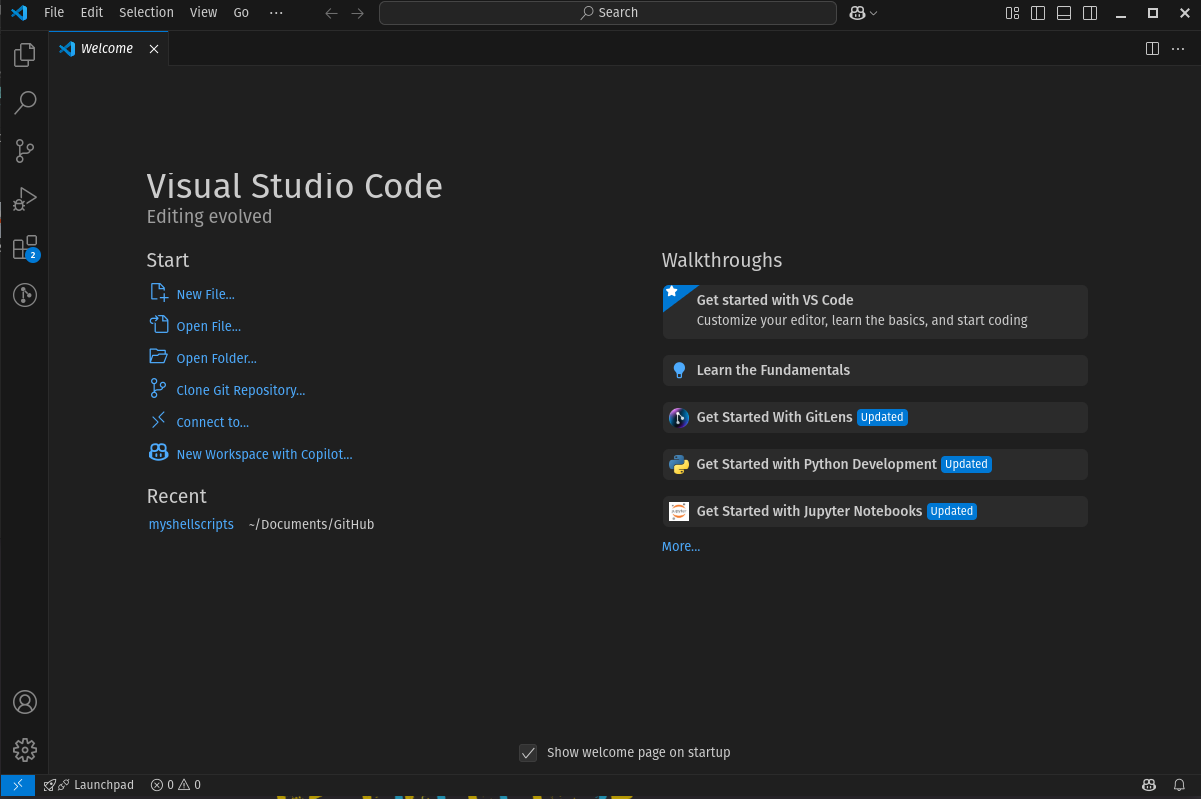
Install VSCode in Linux
The Go-To for Most Devs (ok Mostly)

Download the Executable:
wget https://vscode.download.prss.microsoft.com/dbazure/download/stable/b58957e67ee1e712cebf466b995adf4c5307b2bd/code_1.89.0-1714530869_amd64.debInstall VS-Code
sudo apt install ./code_1.89.0-1714530869_amd64.deb -yUpdate and Upgrade (If new available)
sudo apt update && sudo apt upgrade -yValidation
codeOutput: